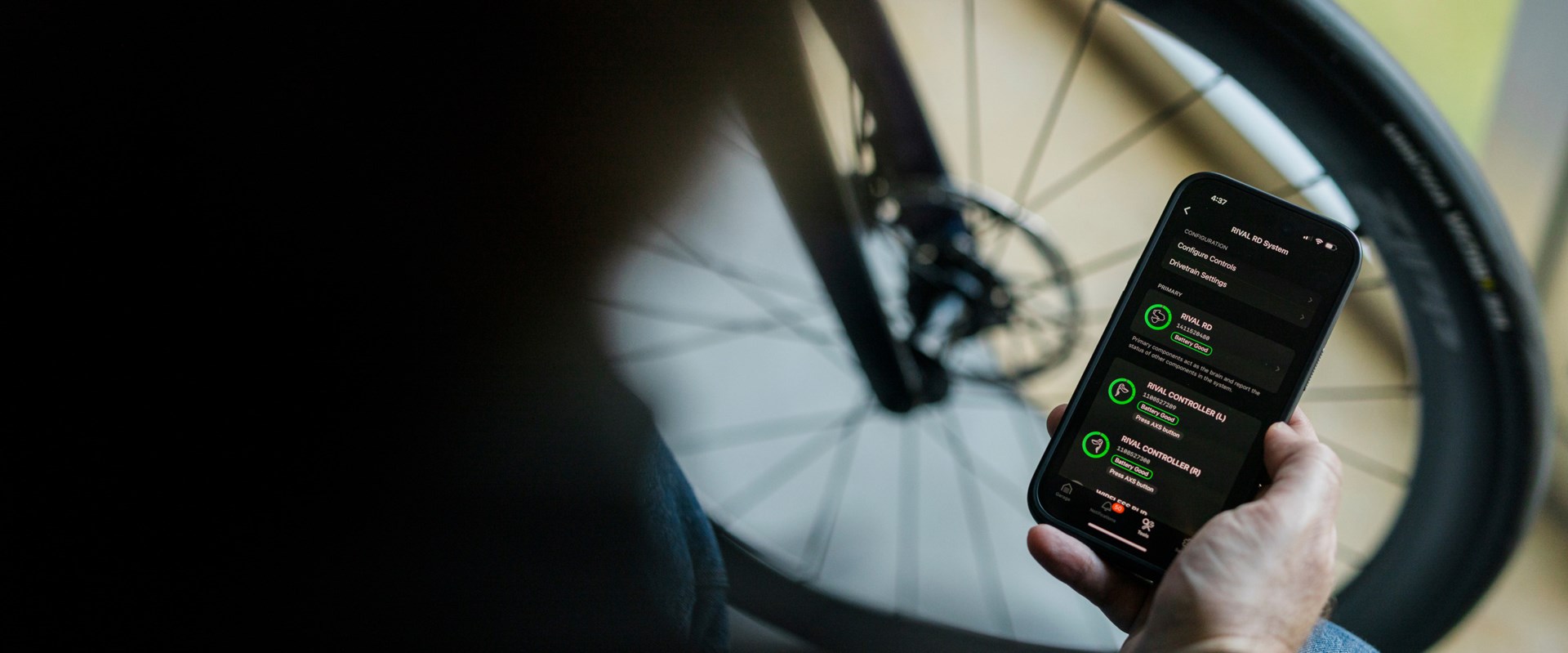
How to Fix Your SRAM AXS Shifters: Common Pitfalls
SRAM AXS not shifting? Before you panic, run through these troubleshooting steps — including a trick most riders miss.
Your SRAM AXS system was flawless for months. Now it's skipping shifts, ignoring you entirely, or doing something weird you can't explain. You're not alone — we see this at the shop constantly. Here's the systematic approach we use to diagnose and fix AXS shifting problems, plus the gotchas that trip up even experienced riders.
First: Wake It Up
Before you troubleshoot anything, spin the cranks or shake the bike. SRAM AXS goes to sleep after about 30 seconds of non-movement. It won't respond to shift commands while sleeping. We've had people come in convinced their drivetrain died when the bike was just napping on the stand.
Step 1: Check the Derailleur Battery
Press the AXS button on your rear derailleur and look at the LED:
- Green = more than 25% remaining
- Red = less than 25%
- Flashing red = critically low, under 10%
If you get no light at all, charge the battery. AXS derailleur batteries need charging every 20–60 ride hours depending on conditions.
Common Mistake: Assuming "green means good." The LED can show green when the battery is actually on its way out. Voltage can read fine under no load but sag when the derailleur motor draws current. If your shifts are sluggish or intermittent and the light is green, charge the battery anyway. Don't trust the indicator alone.
Step 2: Check and Replace the Shifter Batteries (CR2032)
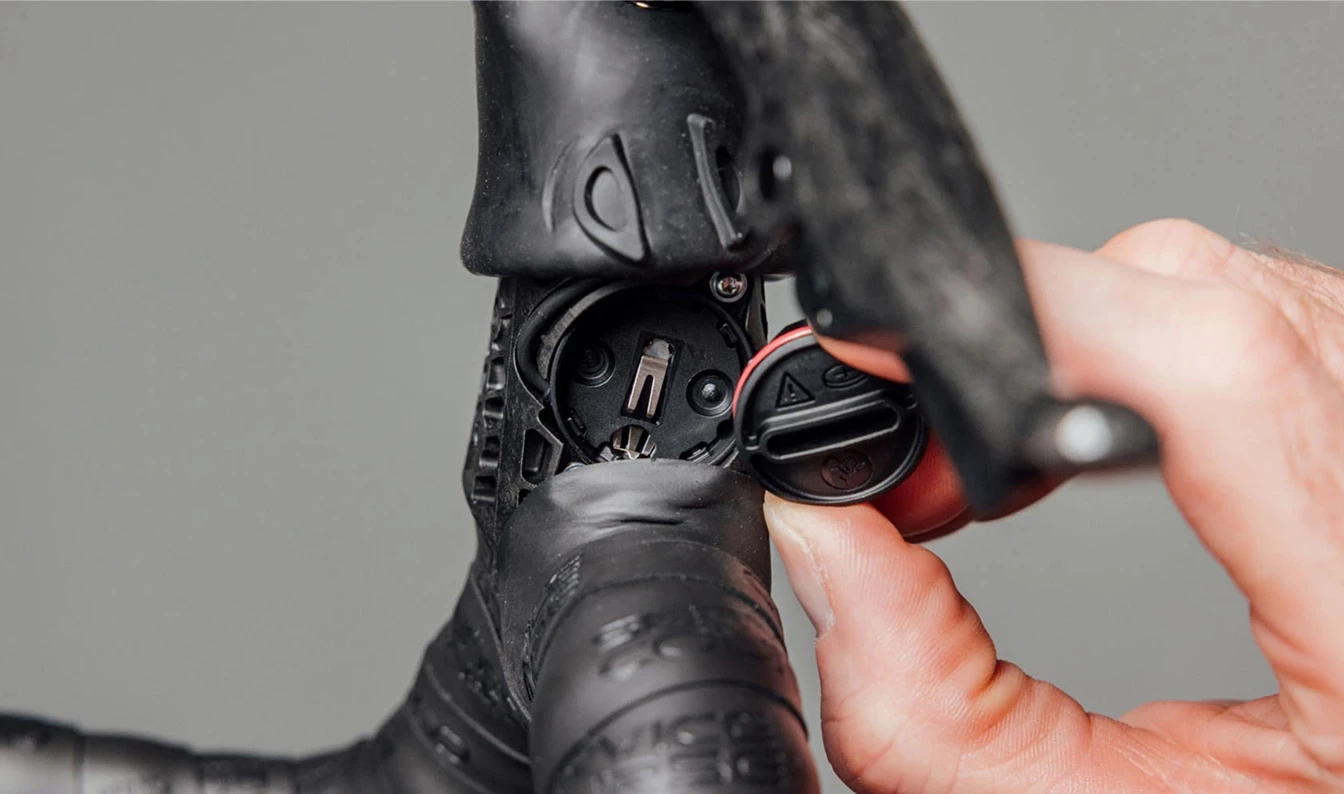
Each shifter runs on a CR2032 coin cell that lasts 1–2 years. Press the AXS button on the shifter — if there's no LED response, the battery is dead.
Pro Tip: Not all CR2032 batteries work properly with AXS. Many brands now add a bitter child-safe coating to prevent kids from swallowing them. That coating creates interference between the battery and the contact terminals inside the shifter. Use uncoated CR2032 batteries. If your shifter is intermittently unresponsive and you recently swapped batteries, this is almost certainly your problem.
Step 3: The Full Nuclear Re-Pair
This is the single most useful procedure we've learned from working on dozens of these systems — and the one that takes all day to figure out on your own. If your AXS is behaving erratically — phantom shifts, dropped signals, one shifter working but not the other — force a complete re-pairing of every component from scratch.
Here's why it works: the battery indicator can show green/OK when something is actually wrong at the connection level. A full re-pair resets the wireless link between every component, not just the battery connection. It clears out phantom issues that look like firmware problems but aren't.
Important: Keep your phone away from step 4 through step 9. The AXS app can interfere with the pairing sequence.
Complete Re-Pairing Procedure:
- Open the AXS app. Swipe left on the rear derailleur (RD) icon and delete it — you're fully unpairing it from your phone.
- Remove the batteries from the RD and front derailleur (FD). Put them on the charger. Leave them off the bike for at least 30 minutes.
- Re-install the fully charged batteries on both derailleurs.
- Hold the button on the RD until the LED starts blinking — hold for at least 20 seconds. This puts it in pairing mode.
- Hold the button on the FD for 10 seconds.
- Hold the small AXS button on one shifter for 10 seconds. (Not the big paddle you use when riding — the smaller dedicated AXS button.)
- Repeat with the other shifter.
- Press the RD button once to end and confirm the pairing operation.
- Test basic shifting — up, down, and front ring-to-ring — before touching your phone.
- Now open the AXS app and pair everything back to your phone.
- Don't miss this: On the pairing screen, tap the red "Add to Bicycle" button at the bottom. Skipping this step means your components are paired to each other but not registered to a bike in the app — and you'll be confused when Drivetrain Settings don't stick.
- Go to Drivetrain Settings. Set the correct cassette tooth count, enable Advanced Mode, enable Sequential Mode. You're done.
This resolves the vast majority of mystery AXS issues we see in the shop. It's tedious, but it works.
Step 4: Update Firmware
Open the SRAM AXS app, connect to each component, and check for firmware updates. Outdated firmware causes weird behavior — SRAM pushes fixes regularly. Update the app itself first, then each component individually.
Pro Tip: Do firmware updates at home on a stable connection, not trailside. A failed firmware update mid-ride can brick a component until you get to a computer.
Step 5: Clean the Contacts
Dirt and grime around the battery seats — especially the derailleur battery — cause intermittent contact. The derailleur has small spring-loaded POGO pins that connect the battery to the circuit board. If those pins get packed with trail grime, the battery loses contact under vibration.
Pull the battery and clean the contact area with a dry toothbrush. Get into the corners. A quick wipe isn't enough.
Step 6: Check Operating Conditions
AXS has a defined operating range of -10°C to 40°C (14°F to 104°F). Outside that range, the derailleur will refuse shift commands and flash red and green LEDs simultaneously. New England winter rides and summer heat can both push the limits.
If you see that red-green rejection blink, it's not a malfunction — it's a temperature lockout.
Step 7: Full Reboot
If nothing else works, do a full derailleur reboot:
- Remove the derailleur battery
- Hold the AXS button while the battery is out
- Re-insert the battery
- Open the AXS app and run a recovery update on the derailleur
This is the nuclear option. It resets the derailleur to factory state and requires a fresh firmware push.
When to Bring It In
If you've run through all of this and the system still won't shift reliably, you may have a hardware issue — a damaged POGO pin, a corroded circuit board, or a failing motor. Those aren't field-serviceable. Bring it to the shop and we'll diagnose it on the bench.
Having AXS trouble? Bring your bike to Back in Action Bikes in Brookline — we work on SRAM electronic drivetrains daily and can usually diagnose the issue while you wait.